
 Contact
 How to shop
Delivery
Shopping guide
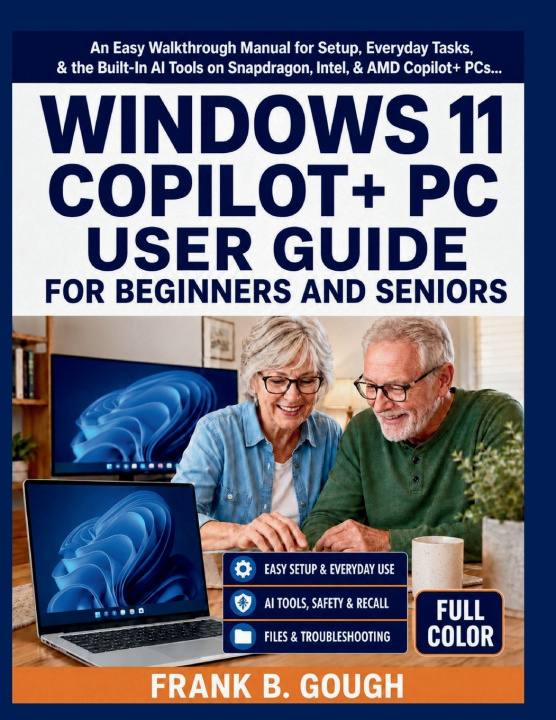
WINDOWS 11 COPILOT+ PC USER GUIDE FOR BEGINNERS AND SENIORS
An Easy Walkthrough Manual for Setup, Everyday Tasks, & the Built-In AI Tools on Snapdragon, Intel, & AMD Copilot+ PCs
 English
 51 b
51 b
 New
New
Up to 30 days for returns

Your new PC has a chip inside it that your last one did not. Nobody showed you what it does.
You probably did not go shopping for an AI computer. Your old machine stopped being supported, you replaced it, and the laptop that came home has a Copilot+ badge on the palm rest, a feature that quietly photographs your screen, and a search box that claims to understand what you meant rather than what you typed.
No manual came in the box.
This is that manual - and it starts where you actually are, not three chapters ahead of you.
It begins at the moment you open the box. You will walk the Windows 11 setup screens one prompt at a time and know what every privacy toggle does before you answer it. You will learn the desktop, the centred taskbar, the Start menu and File Explorer at an unhurried pace. Only once the ground is steady does the book turn to the AI features - and when it does, it explains each one the same patient way: what it does, when it genuinely helps, exactly how to switch it on, and exactly how to switch it off again.
Inside these 10 chapters: what the NPU actually is and how to tell in a minute whether yours is Snapdragon, Intel or AMD · setup, PINs and Windows Hello · the Start menu, taskbar and Snap Layouts · a full chapter on text size, contrast, Narrator, Magnifier and Live Captions · File Explorer and why OneDrive files sometimes appear to vanish · how to ask Copilot a question that gets a useful answer · Recall and Click to Do, explained honestly · Cocreator, Generative Erase and Windows Studio Effects · security, backup, and the scam call Microsoft will never make · email, printing, battery care and a calm order for fixing things.
Plus: 10 full-colour illustrations, a keyboard shortcut appendix, and a plain-English glossary.
What makes this different: every instruction is a full sentence, not a clipped fragment - because a step you understand is one you can repeat, and a step you have only copied is one you will need help with again. And every AI feature has its off switch printed in the same chapter as its on switch. Recall gets a straight answer about who should leave it alone. You are never told that a good user eventually enables everything, because that is not true.
Your PC is waiting. Scroll up and click Buy Now to finally understand it.


About the book
English

Give this book today
It's easy
1 Add to cart and choose Deliver as present at the checkout 2 We'll send you a voucher 3 The book will arrive at the recipient's addressHi! I'm Libroamiko, your book advisor.
How can I help you?