Contact
 Comment faire ses achats
Livraison
Guide d'achat
 Anglais
 33 b
33 b
Les clients ont également acheté



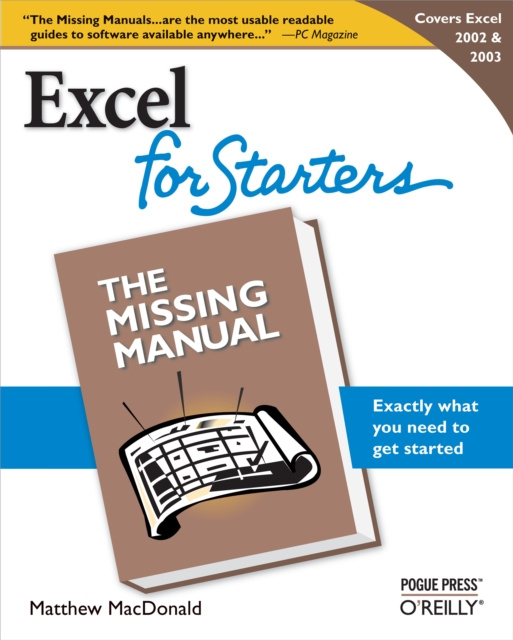
The dominant spreadsheet program and one of the most widely used software applications in the world, Microsoft Excel is unbelievably powerful--and can be downright intimidating. If you're new to Excel or among the many existing Excel users who are dazed and confused by all that the program can do (and by how little it has actually done for you), Excel for Starter: The Missing Manual is your ideal resource.For everyone who wants to quickly get up to speed on Excel to create, organize, and present household and/or office data and information, this smart new guide delivers just the essentials: it concentrates on the must-have information and the best, most practical Excel features that people like you can use to maximize your productivity and minimize your spreadsheet confusion and frustration.Excel for Starters: The Missing Manual demystifies spreadsheets and explains how to use them most effectively and efficiently. Clear explanations (with lots of examples), step-by-step instructions, helpful illustrations, and timesaving advice guide you through all the most common and useful features of Excel 2002 and 2003--including how to build spreadsheets, add and format information, print reports, create charts and graphics, and use basic formulas and functions.Sure, there are plenty more thorough, more massive Excel books on the bookstore shelves. But why wade your way through a swamp of details you'll never need--or want--to use? Let author Matthew MacDonald, an educator and software developer who also wrote the highly popular Excel: The Missing Manual, be your trusted guide as you learn which Excel features will serve you best and which are best ignored.Utterly practical and refreshingly funny, this down-to-earth guide gives you nothing more (and nothing less) than what you need to make Excel do exactly what you want it to do. It's a quick read you'll want to keep on hand for reference again and again.


À propos du livre
Anglais